Every way to hit your number.
Seven screens cover everything from a lazy warm-up to a coach-built structured workout. Pick the one that matches today's session — no saving, editing or renaming required — and jump between screens as needed.
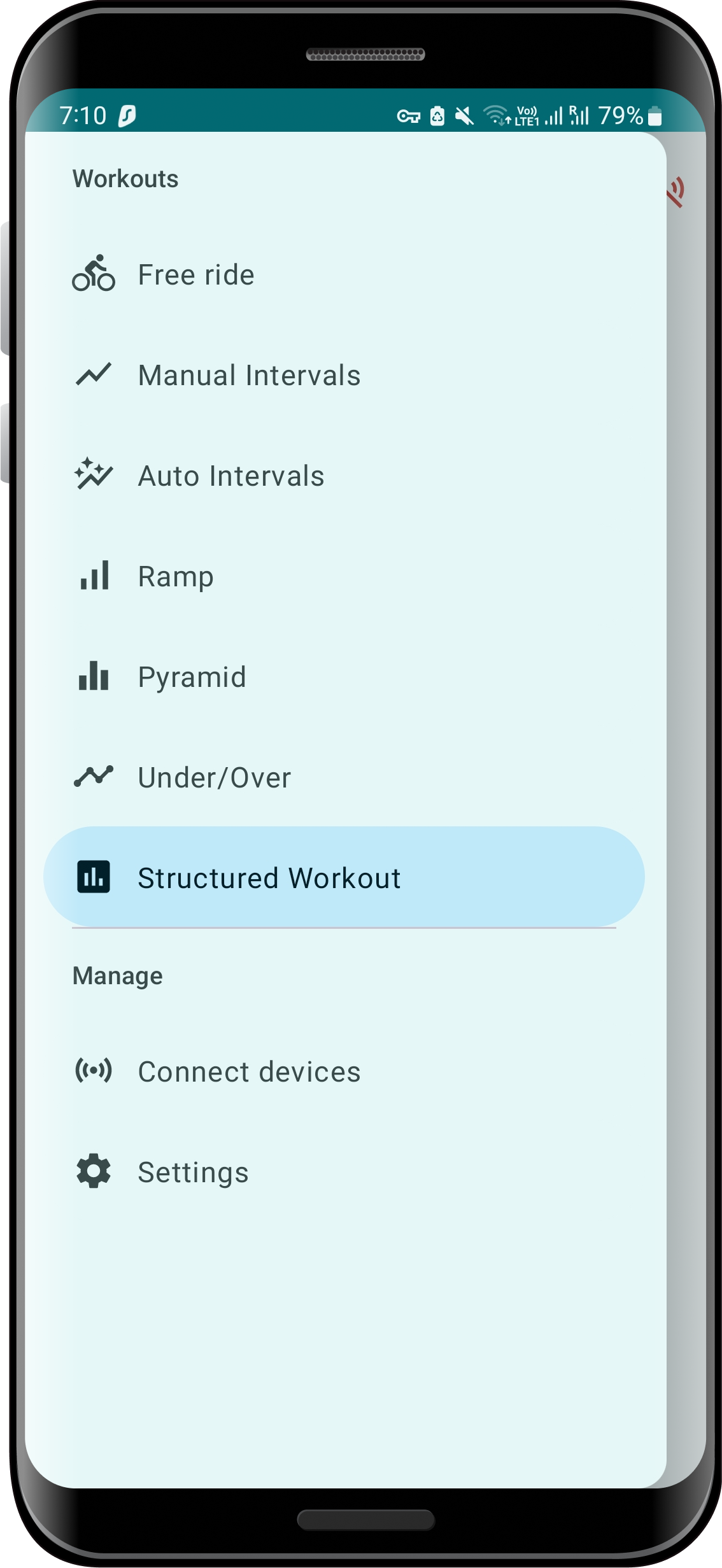
All the building blocks of a great training program
From free riding and manual adjustment to fully automated repeats. Jump between the patterns that make up a solid workout, or load a pre-built one from TrainingPeaks and other systems.
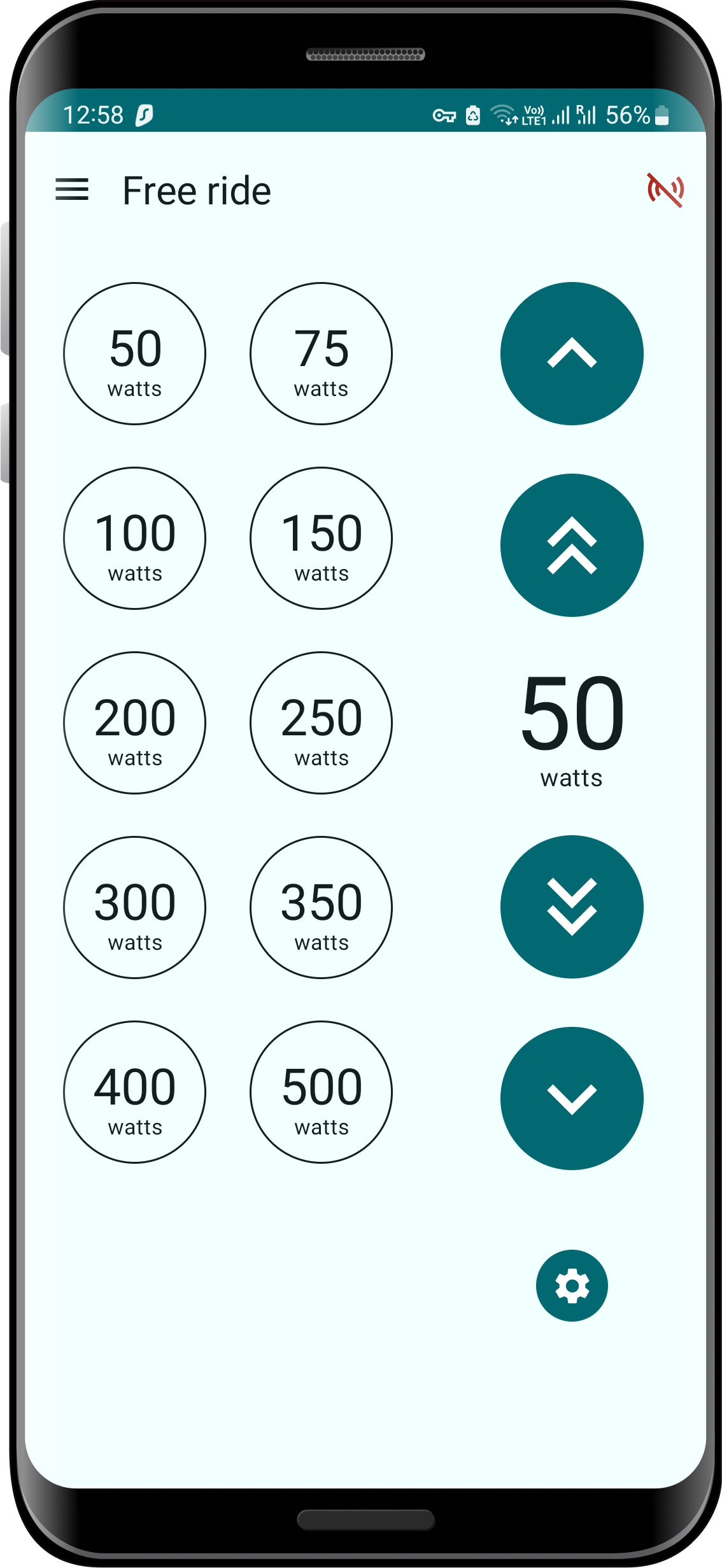
Set a target from various preset options, then nudge it up or down as needed. Great for warm-ups and cool-downs.
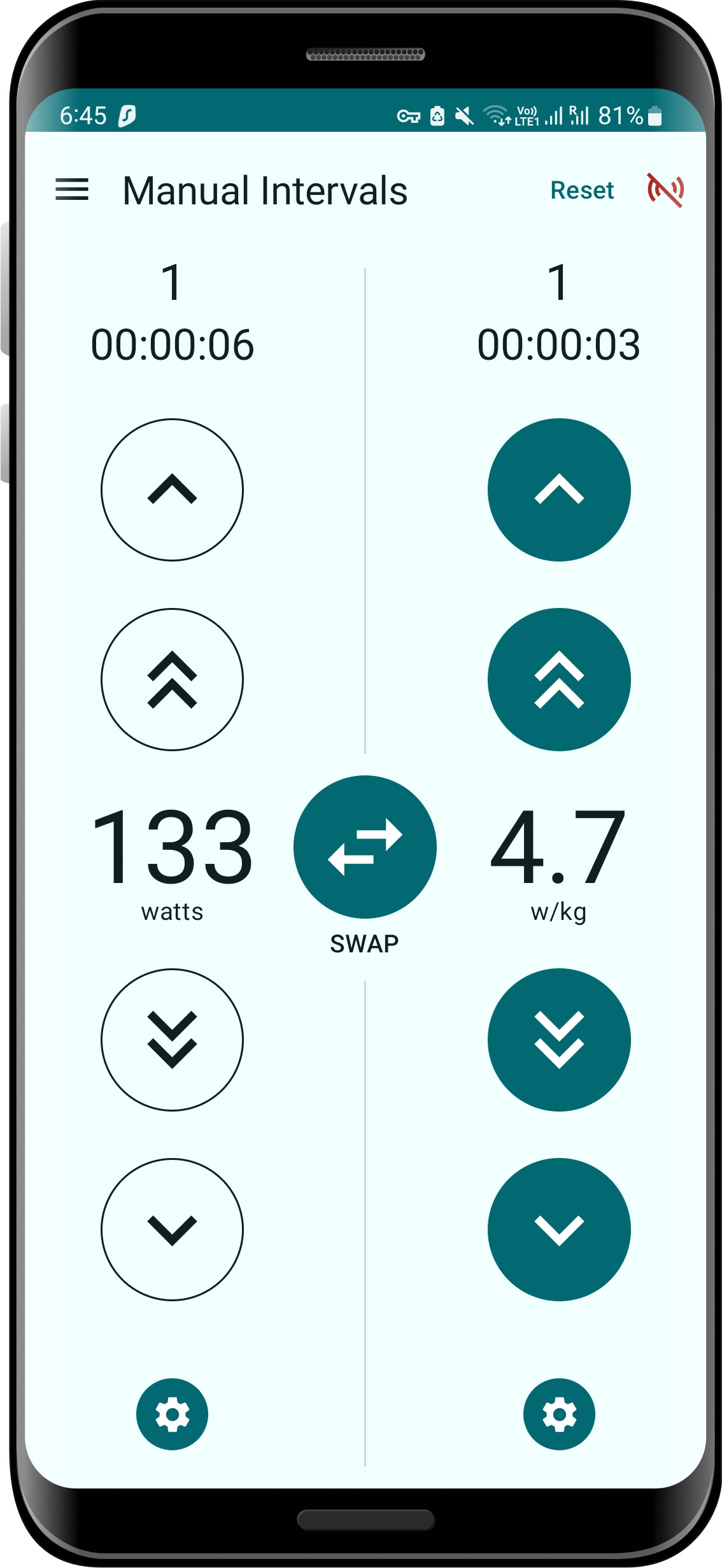
Two configurable targets, swapped with a single tap — easy on one side, hard on the other. The highlighted buttons show the currently "ON" side.
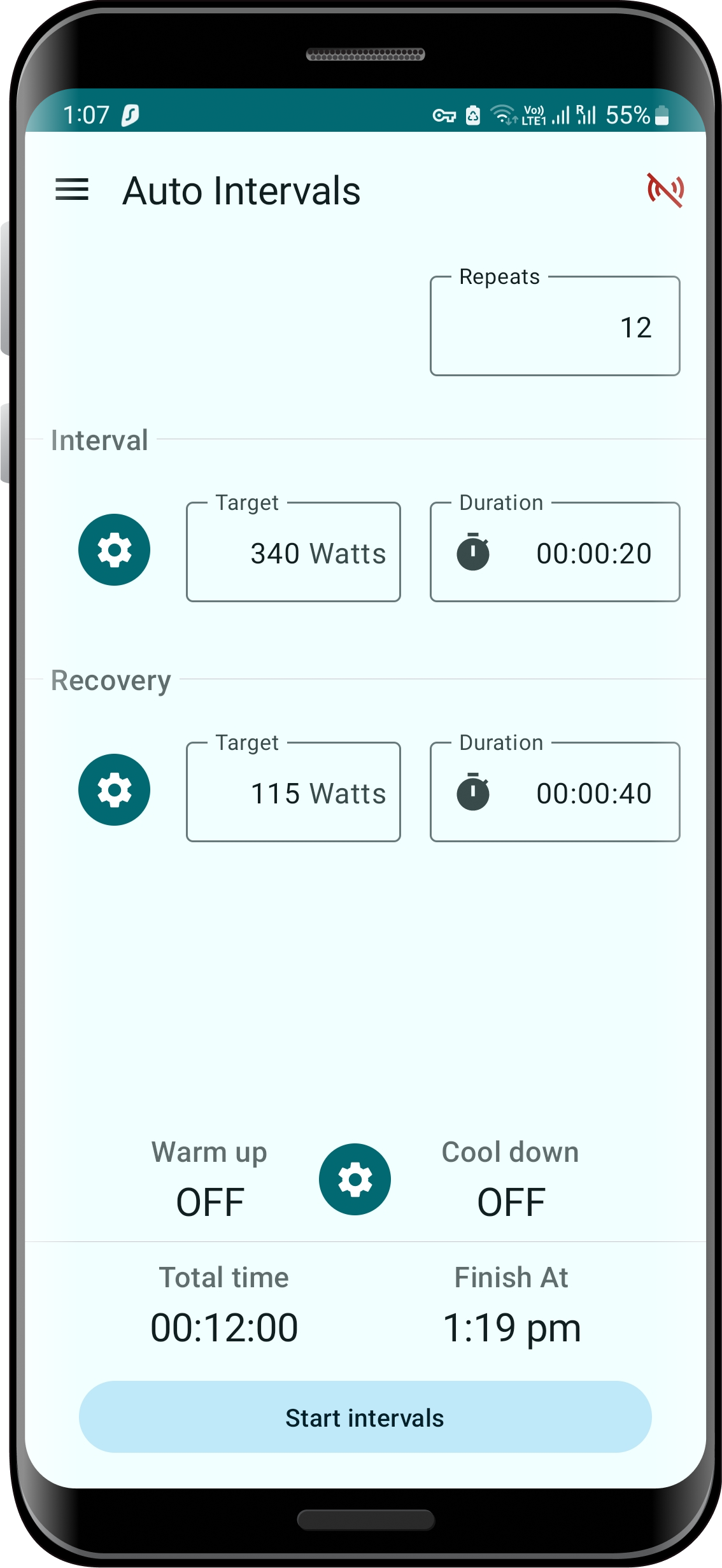
Configure two targets and durations — the app swaps between them automatically, repeated as many times as you choose.
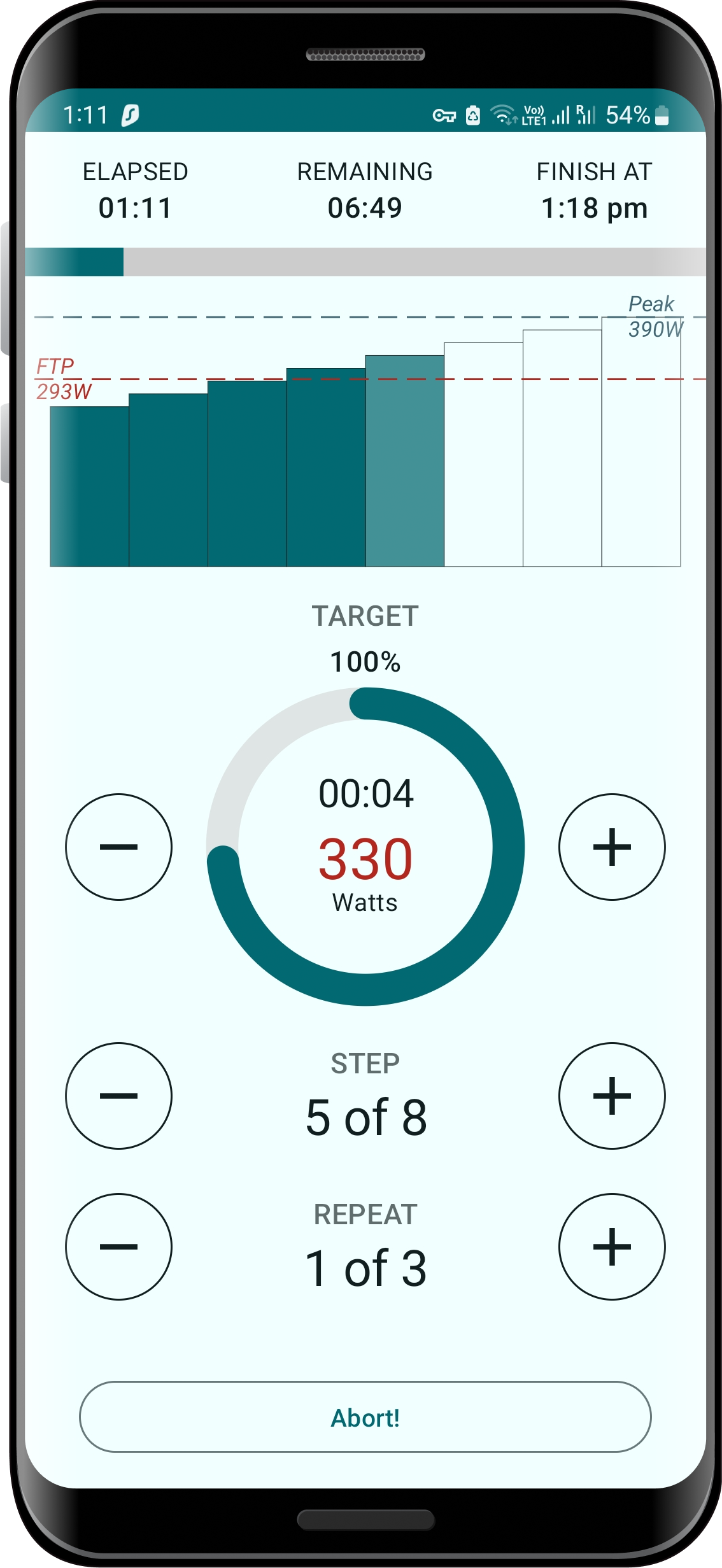
Start at target X and increment by Y every Z minutes/seconds. Repeat the whole ramp as many times as you like with an optional recovery period in between. Adjust the number of steps and repeats on the fly.
Like Ramp, but the steps come back down to the starting target — for example, a 5-step pyramid is 3 steps up, then 2 back down. Repeat the whole pyramid as many times as you choose with an optional recovery period in between.
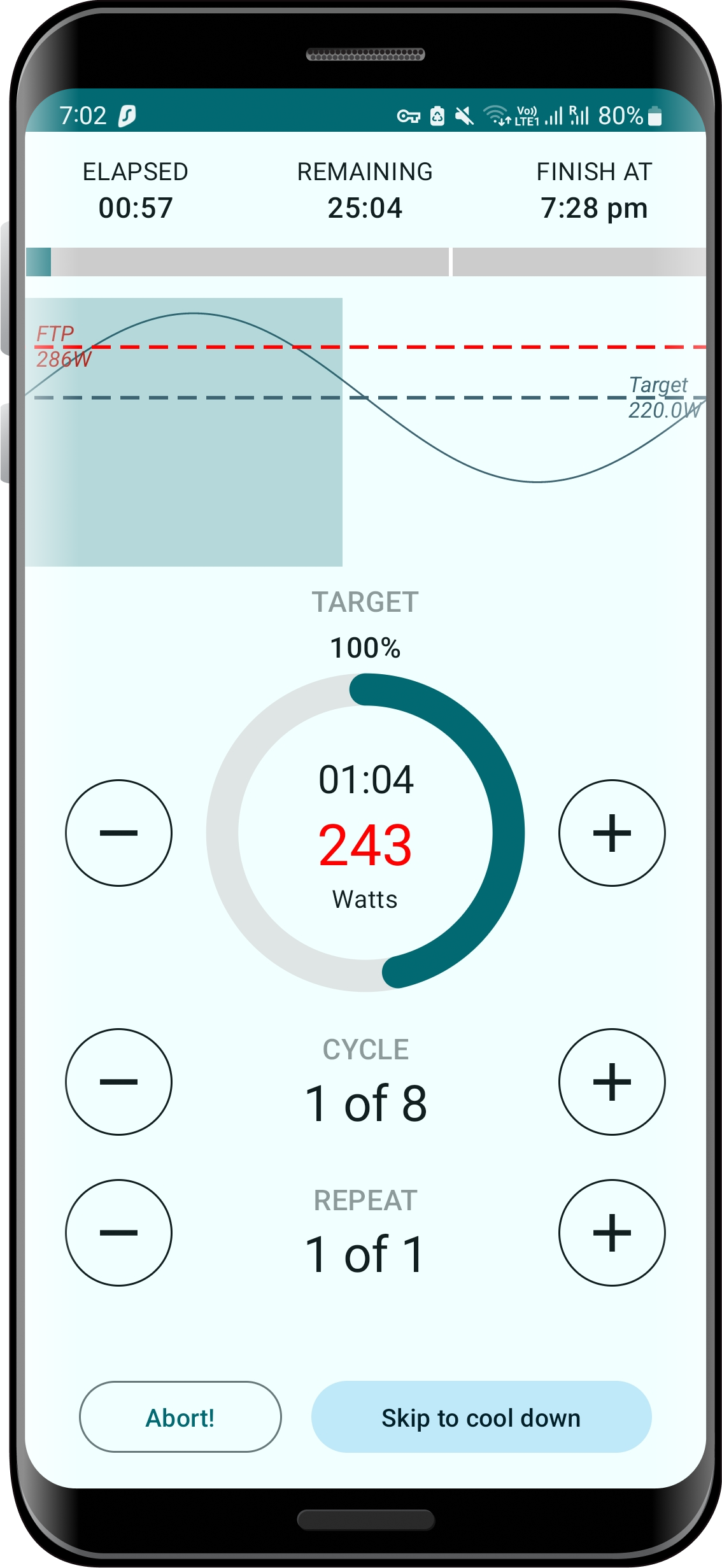
Set a target with a variance (%) and the app curves a smooth under/over pattern (called a "cycle") around it — for example, a 200W target with a 10% variance gives a cycle with a 220W peak and 180W trough. The example above shows 3 cycles making up 1 repeat. Repeat the set of cycles as many times as you choose with an optional recovery period in between.
Already have a coach-built plan? Just load it.
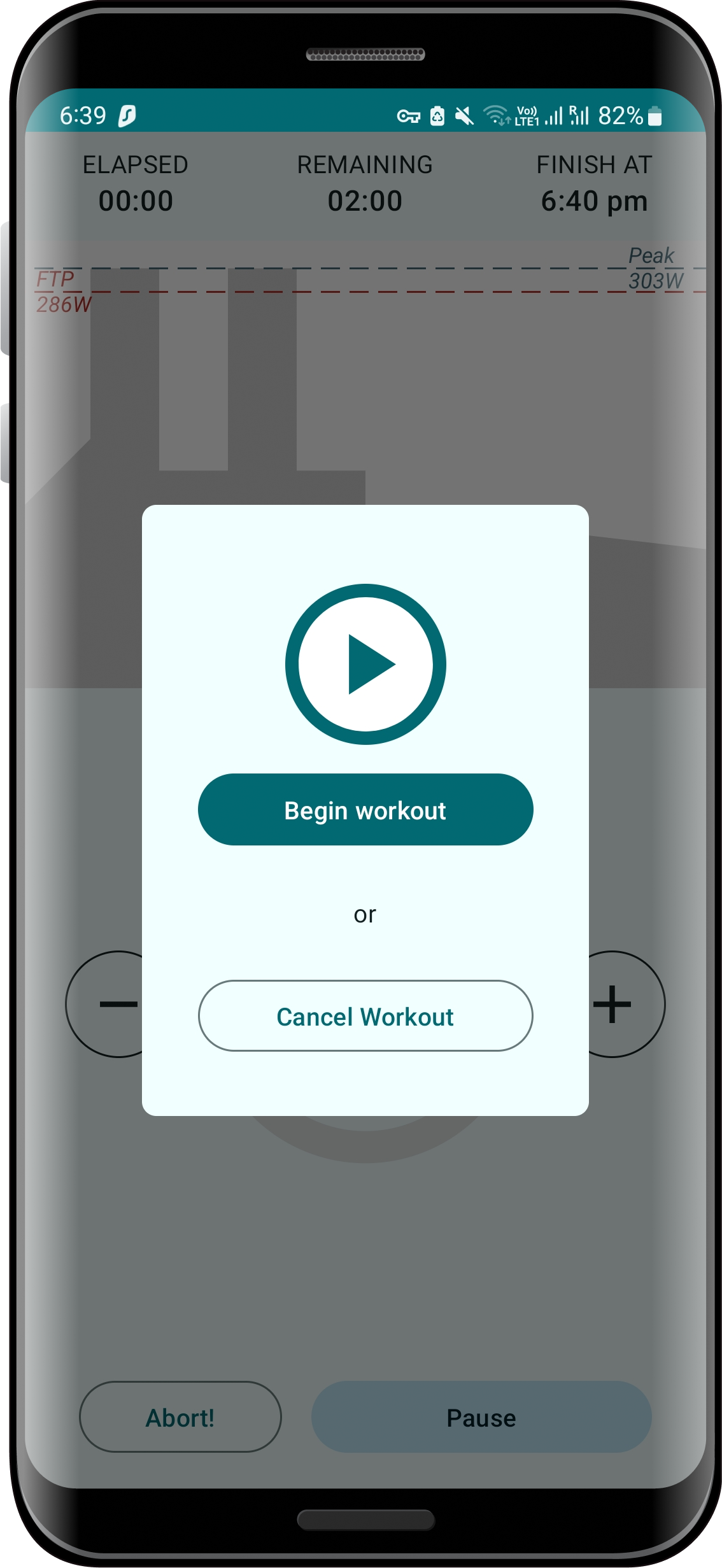
Export the ERG or MRC file from TrainingPeaks (or any similar system) to your downloads folder, load it into Zone CTRL, hit play, and get cracking. No manual setup required for this one.
01
ERG — Watts
A direct power target, held by the trainer regardless of cadence.
02
ERG — W/kg
Power-to-weight targets, calculated from the body weight you store in Settings.
03
ERG — % of FTP
Train relative to your threshold, the way most coach-written plans are expressed.
04
ERG — Power zone
Z1–Z6, or simply low, mid, or high — no mental math mid-interval.
05
Resistance
Plain 0–100% resistance mode, for when watts aren't the point.
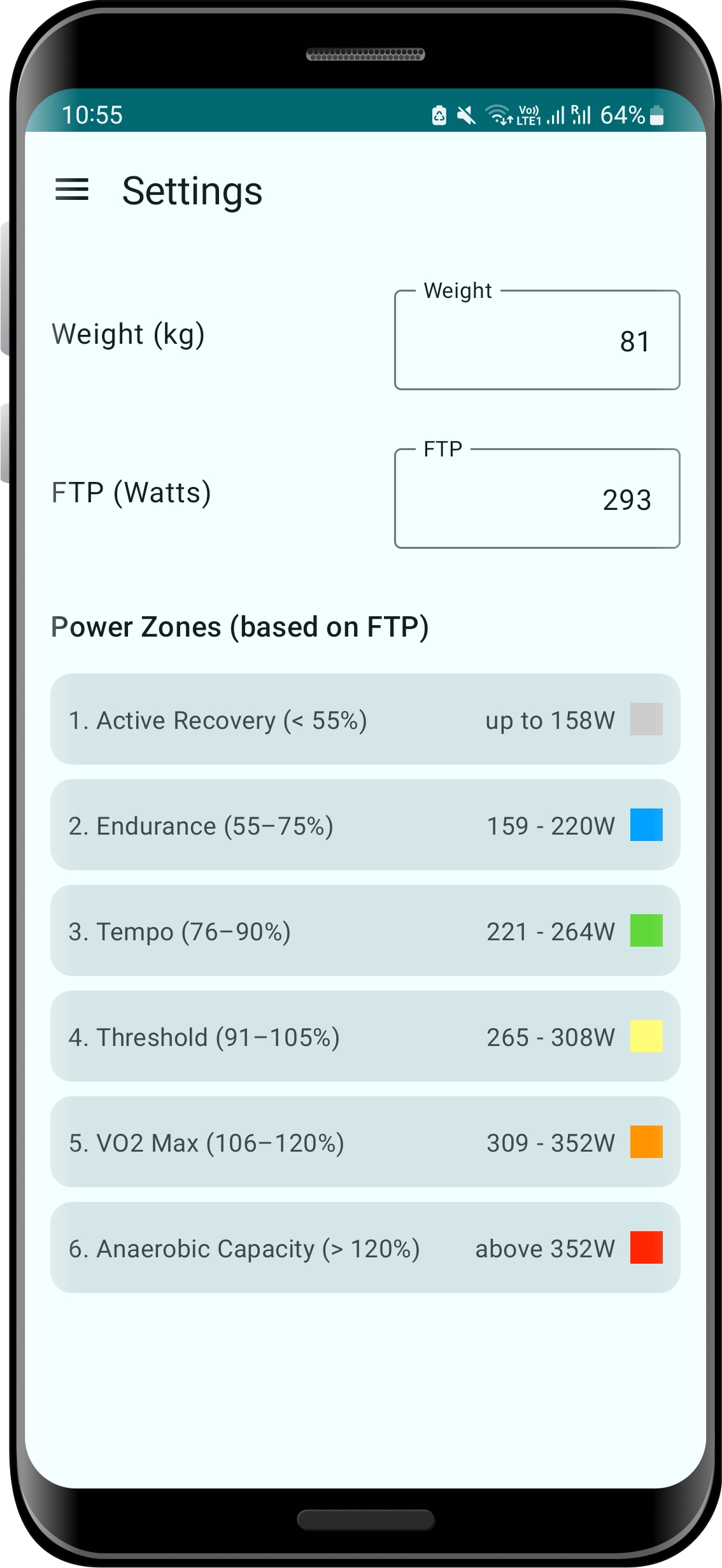
Set it once, use it everywhere
Store your weight in kg and FTP in watts, and Zone CTRL derives your W/kg targets and six power zones automatically — no spreadsheet required.